
How Android automation works
Accessibility, ADB and UI Automator, apps with no API, phones as an API, and what keeps an automation running for a year.
How it works. 6 articles.
How it works
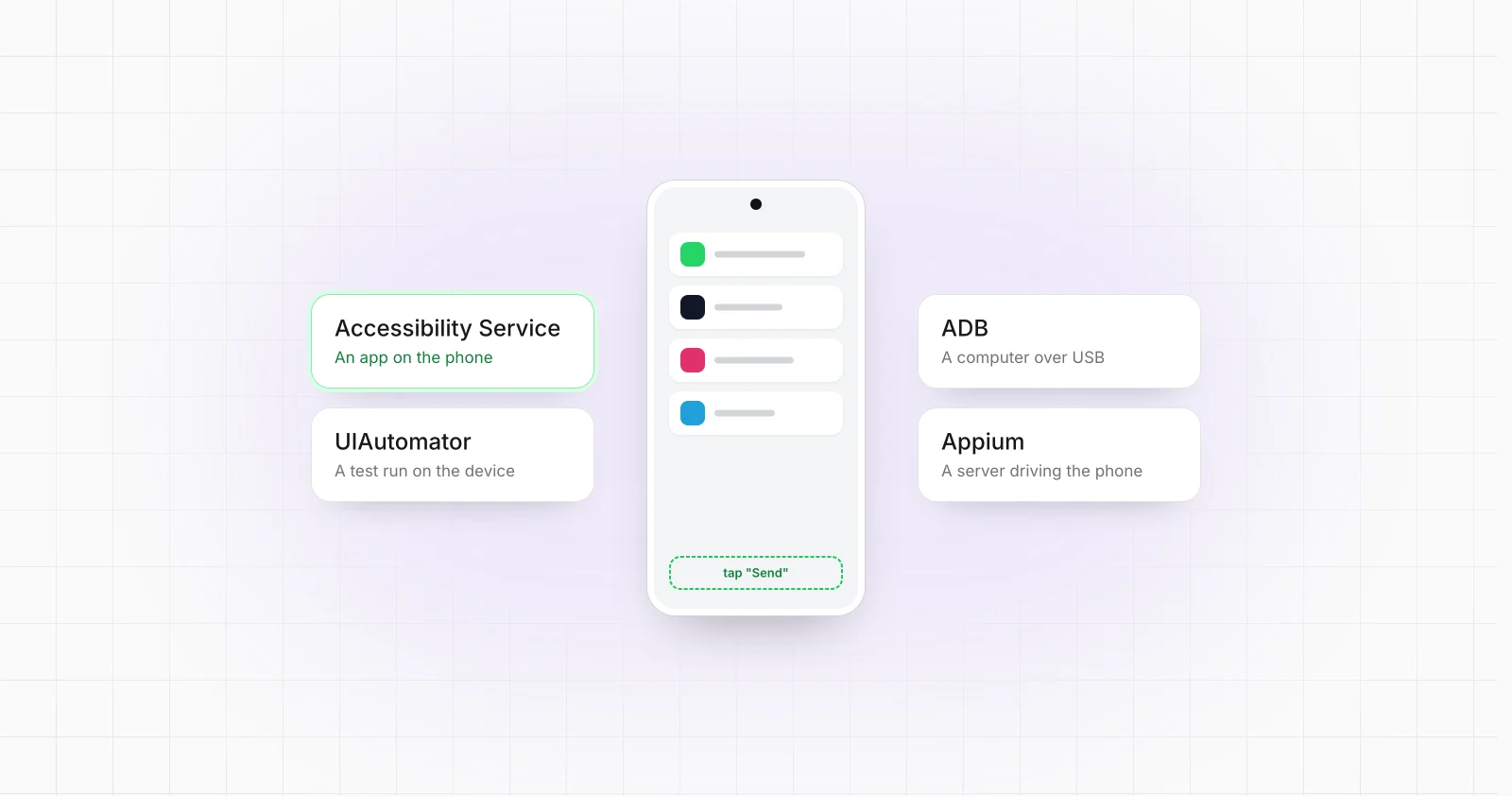
Accessibility Service vs ADB vs UIAutomator vs Appium
Accessibility Service, ADB, UIAutomator and Appium can all participate in Android automation, but they operate at different layers. This comparison explains what each technology actually controls, how it is deployed, and where it fits in testing and production architectures.
How it works
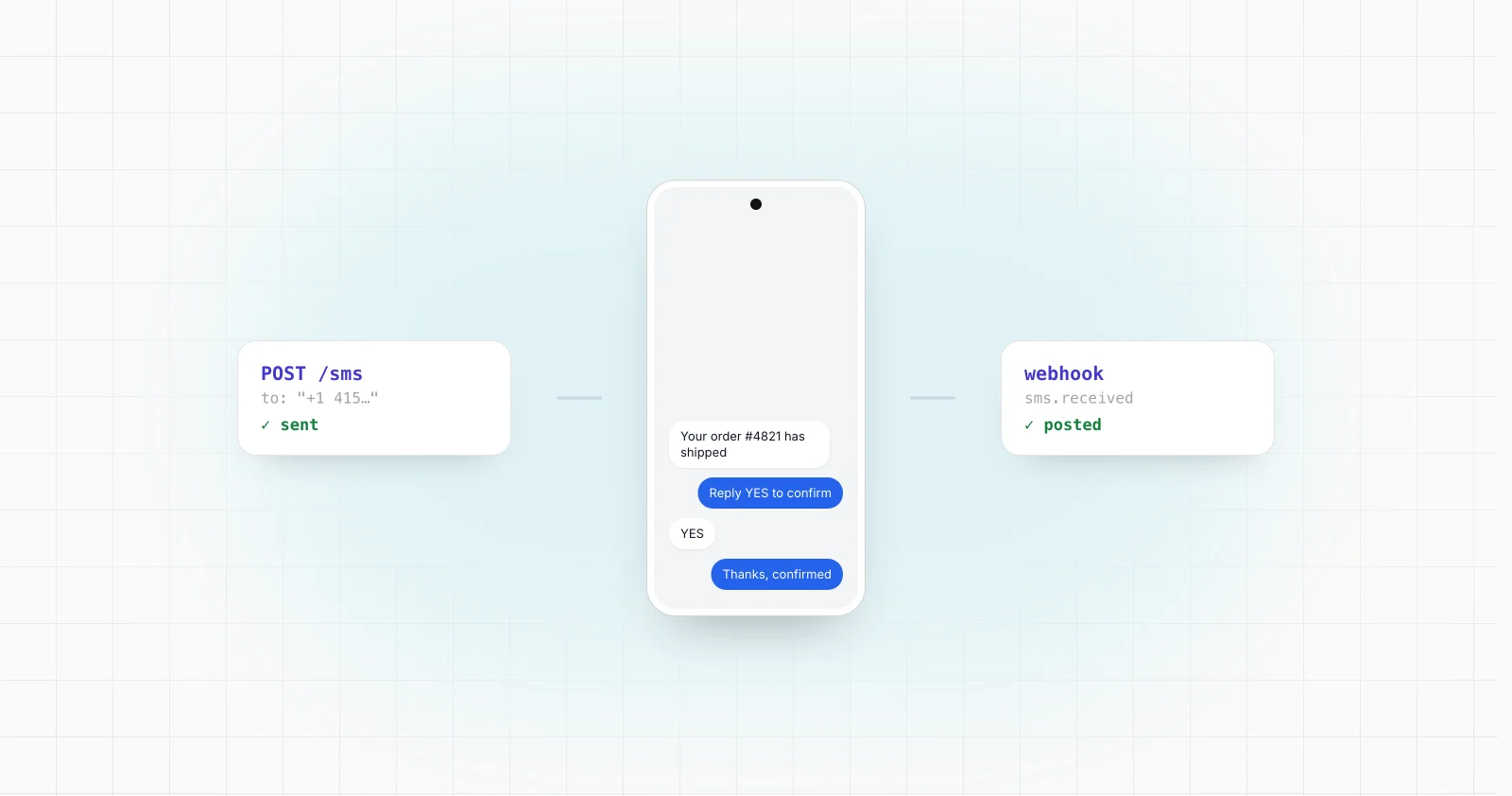
Android SMS Gateway: How to Turn a Phone Into an SMS API
An Android phone can act as the telephony edge of an SMS API, but production architecture depends on Android permissions, SMS roles, background execution rules, device connectivity and durable backend design.
How it works
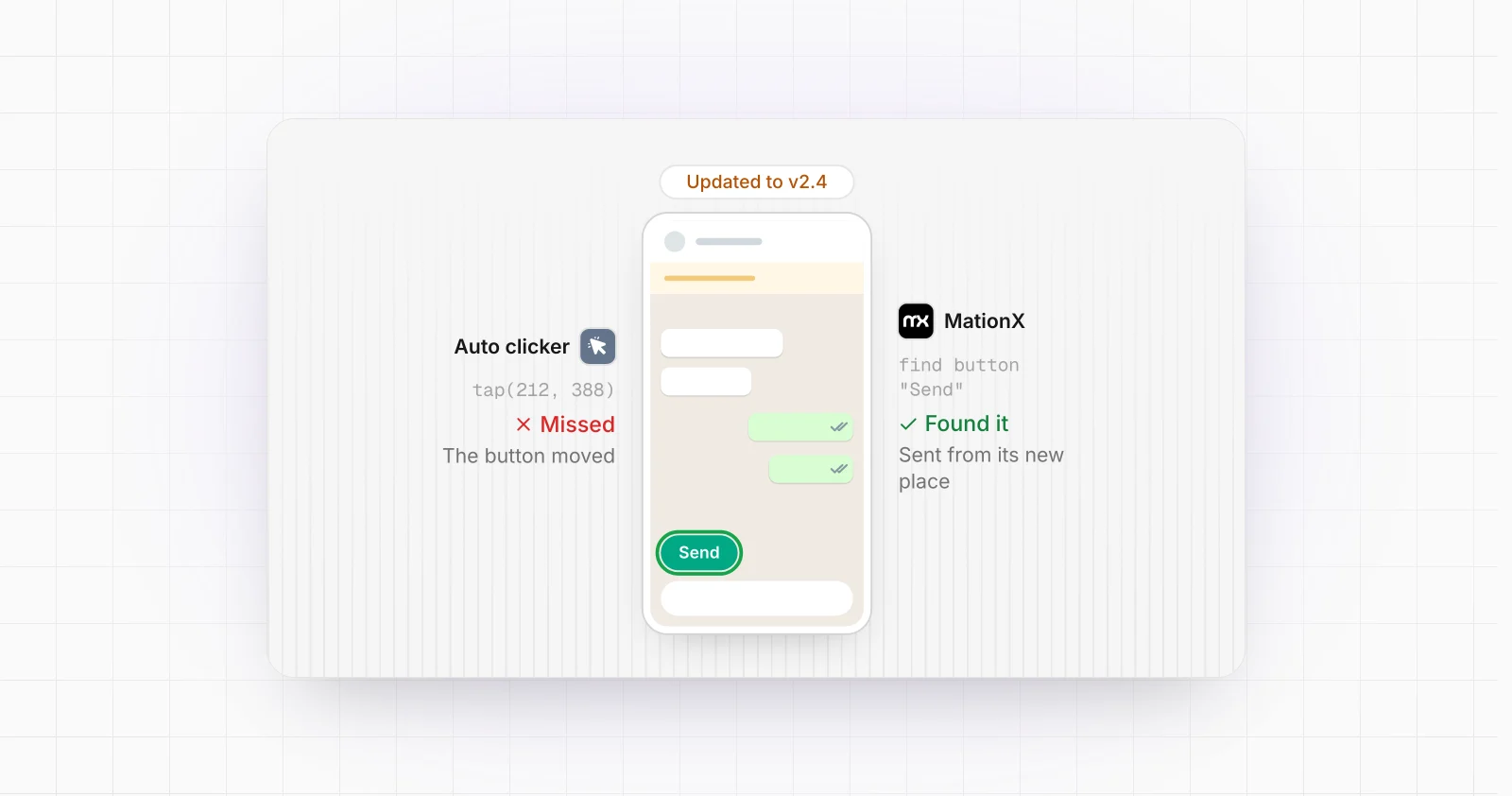
How to Automate an Android App Without an API
An Android app does not need a public API to be automatable. This guide explains the practical options for controlling an existing app through its UI, choosing the right Android automation layer, and building a workflow reliable enough to operate beyond a simple test script.
How it works
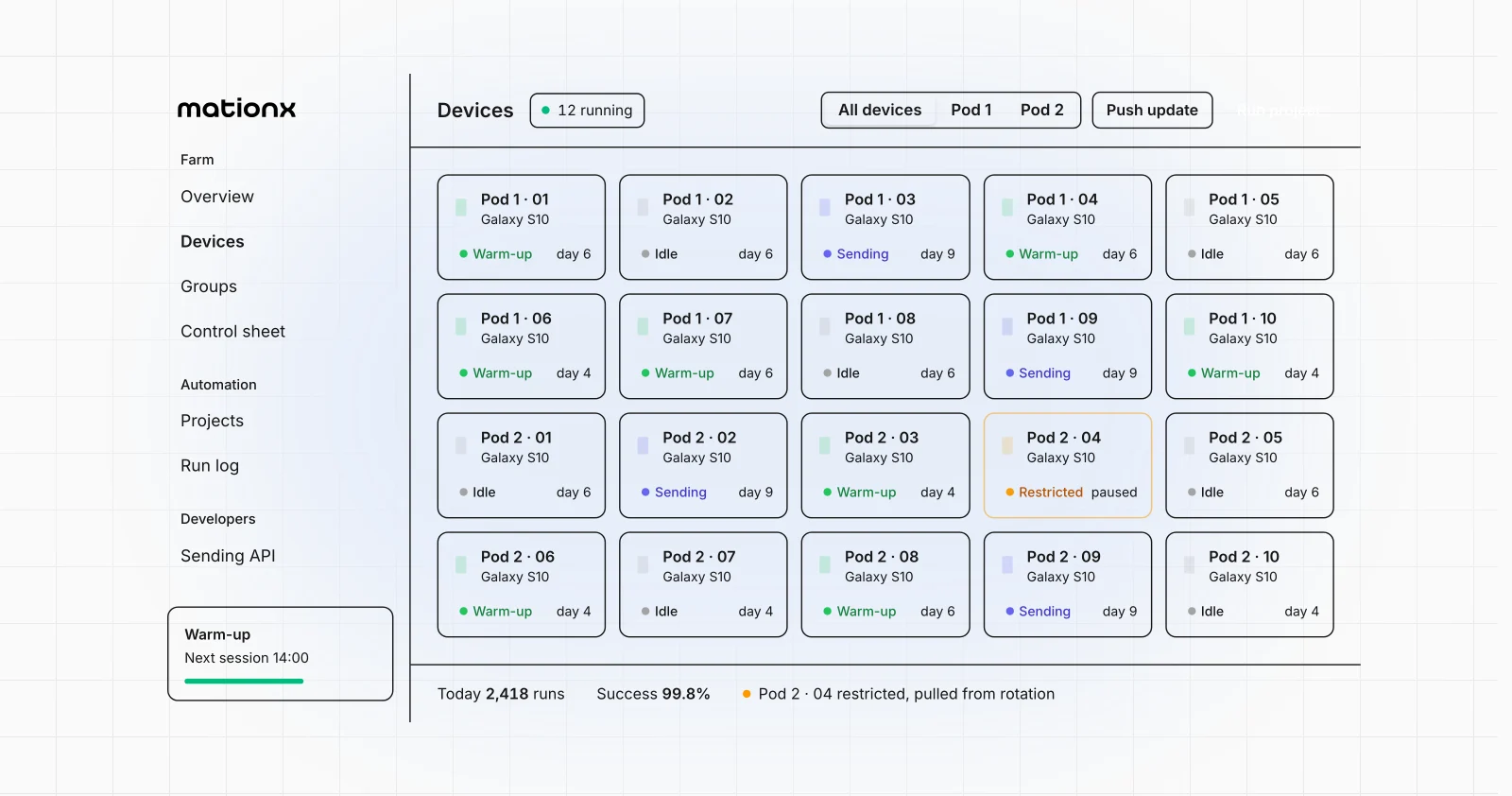
How to Control Multiple Android Devices From One Backend
A technical guide to designing a backend that can identify, route commands to, monitor, and coordinate multiple Android devices across USB, local networks, and the internet.
How it works
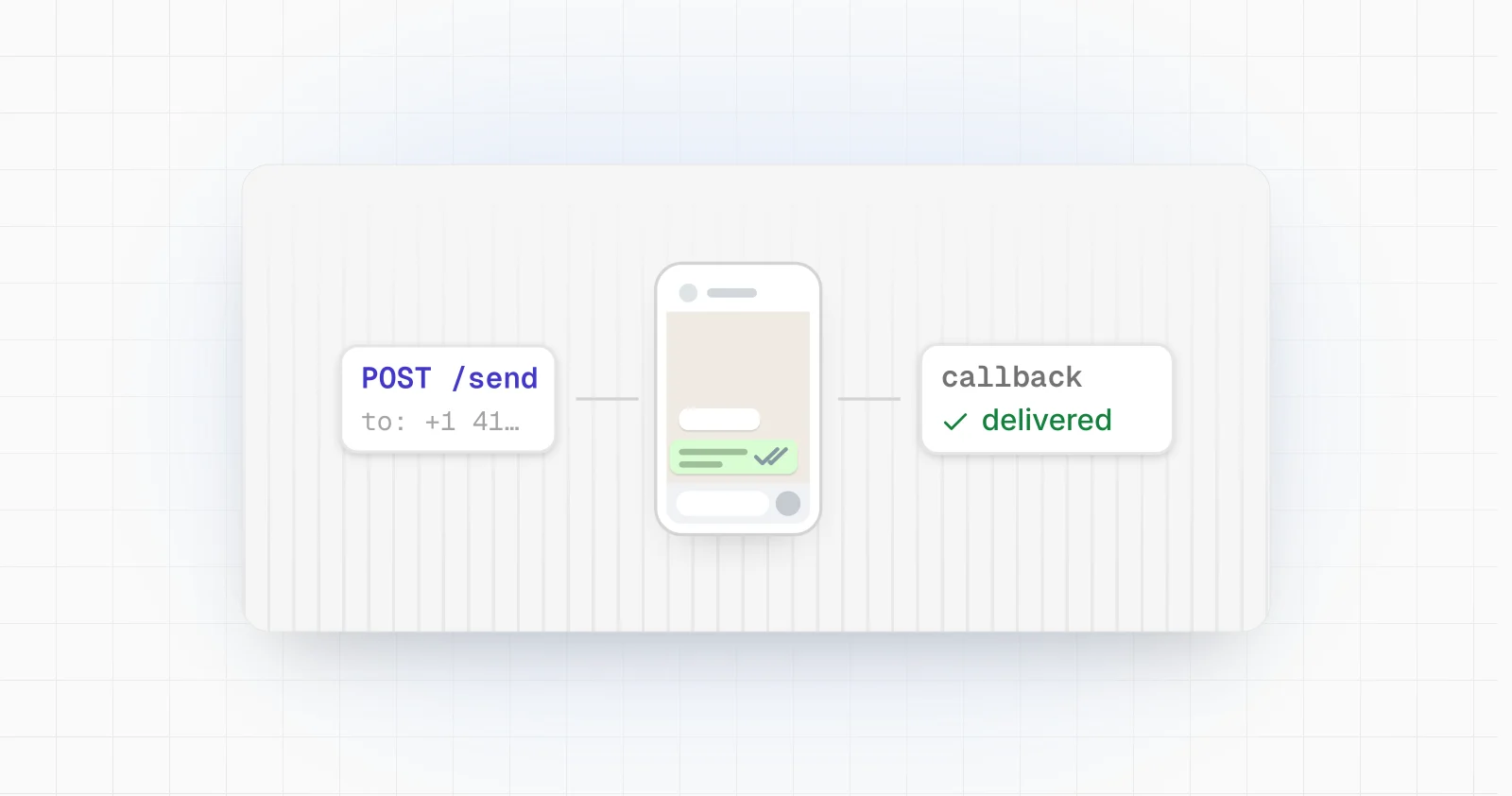
How to Turn Android Devices Into an API
An Android phone does not expose a universal remote control API, but it can become part of an API driven system. This guide explains the architectures, Android control surfaces, communication methods, and reliability concerns involved.
How it works
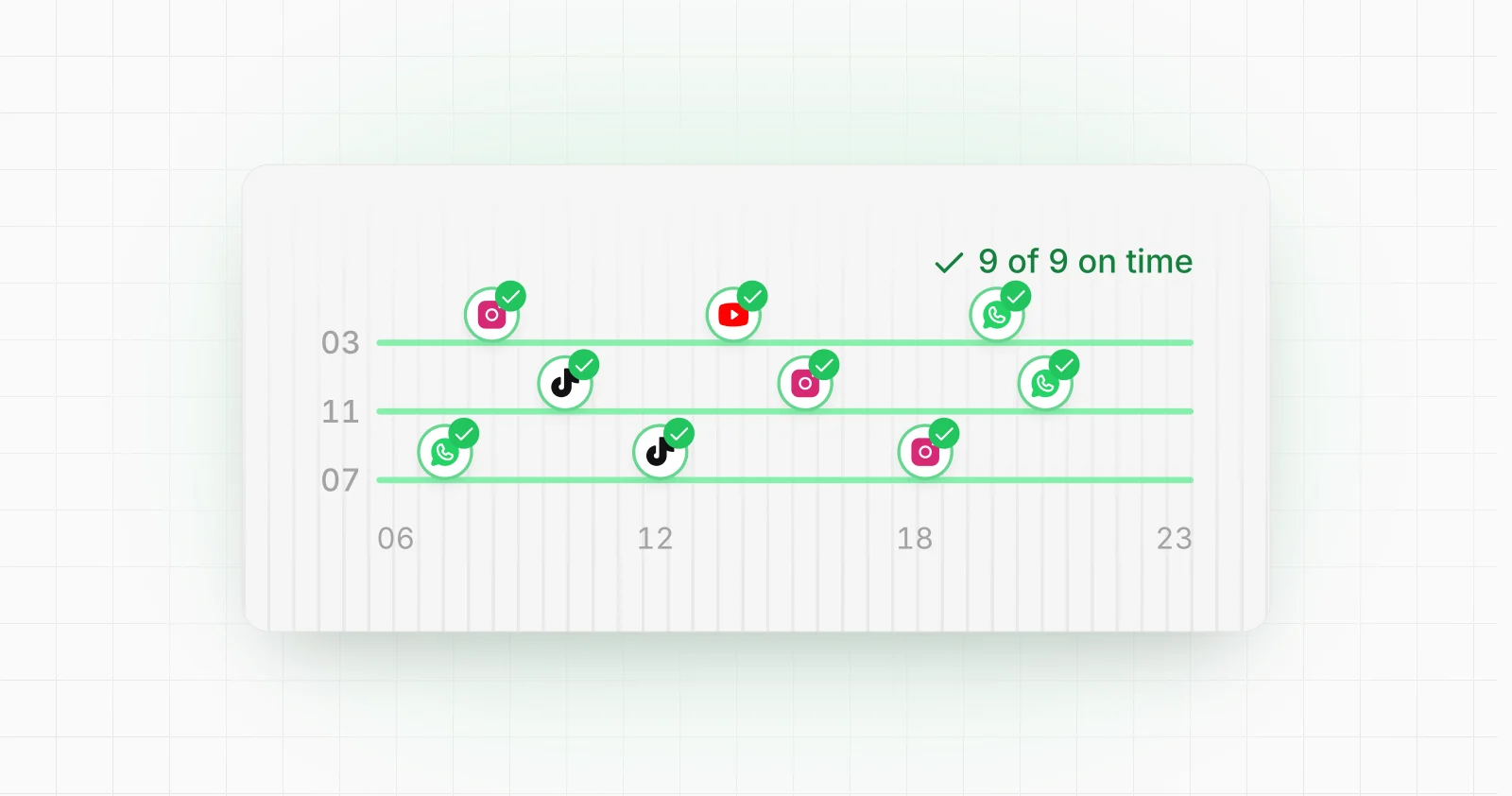
How to Run Tasker Automations 24/7 (and Why They Stop)
Why Tasker profiles stop at night (Doze, the manufacturer's task killer, a switched-off accessibility service), the settings that keep them running, and how to know when one has failed.